
A grounds maintenance schedule sets out what gets done at each site, how often, and in which season. Without one, the year runs on memory: crews arrive at a site not knowing what’s due, and hedges get cut when someone remembers. This guide covers how to plan a grounds maintenance schedule for the year, site by site.
Start with each site
List what each site has before you write a single grounds maintenance schedule. Walk it and note:
- lawns and grass areas, roughly how big, and whether they’re mown with a ride-on or by hand;
- hedges, with their length and height, and which side you can reach;
- beds, borders and planters;
- trees, and whether any need specialist work;
- hard surfaces: paths, car parks and steps that need sweeping, weeding or leaf clearing;
- anything else in scope, such as litter picking, bins or water features.
Take photos and note access: gate codes, where to park, where green waste goes. A new crew member should be able to arrive and start work from the site notes alone.
Set the visit frequency
Different tasks in a grounds maintenance schedule run at different rhythms. Grass is the main driver for most sites: it needs cutting regularly through the growing season, which usually runs from spring into autumn and depends on the weather each year. Hedges, beds and leaf clearance follow their own seasons.
Agree the frequency with the customer in the contract. A business park that wants a neat entrance all summer needs more visits than a residential block with a lawn out the back. Our guide to quoting grounds maintenance contracts covers setting that out and pricing it.
A year at a glance
A rough grounds maintenance schedule for a typical site, to adjust for your area and the weather:
Spring
- Grass cutting starts as growth picks up.
- Edging, weeding and mulching beds.
- Clearing winter debris from paths and drains.
Summer
- Regular grass cutting, adjusted in dry spells.
- Deadheading and weeding beds.
- Watering new planting.
Autumn
- Grass cutting slows, then stops.
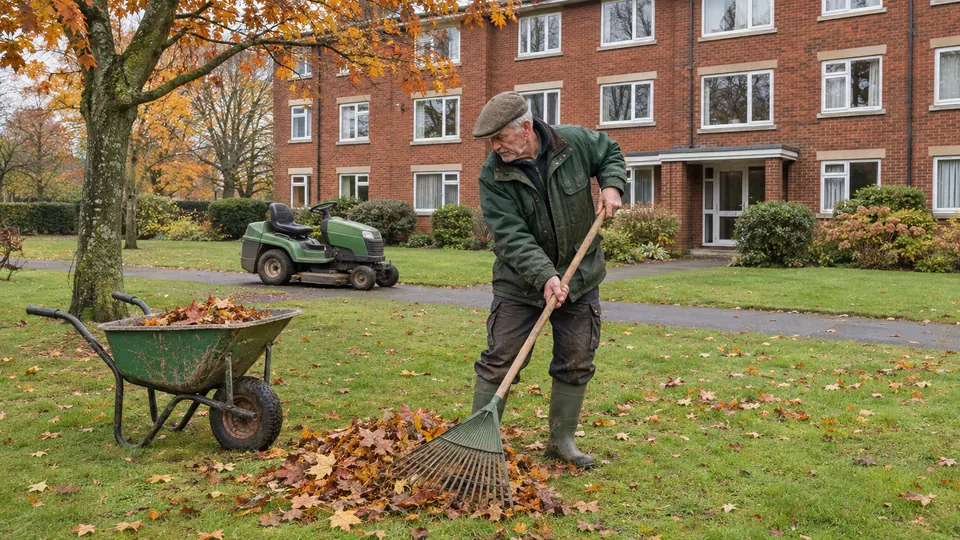
- Leaf clearance from lawns, paths and gutters at ground level.
- Hedge cutting, once nesting birds have finished.
- Cutting back perennials.
Winter
- Tree and shrub pruning while plants are dormant.
- Repairs to paths, fences and edging.
- Servicing mowers and other equipment before spring.
Nesting birds and protected trees
The Wildlife and Countryside Act 1981 makes it an offence to intentionally damage or destroy the nest of a wild bird while it’s in use or being built. Most birds nest between March and August, but the law protects an active nest at any time of year. Check hedges and shrubs before cutting, and leave any active nest alone. Plan major hedge cutting outside the main nesting months where you can.
Before work on a tree, check whether it has a Tree Preservation Order or stands in a conservation area. Either one means you need to ask or tell the local council before you start. Ask the customer, and check with the council if they don’t know.
Checklists for each visit
Turn the grounds maintenance schedule into a checklist for each type of visit at each site. A summer visit to a business park might be: cut and edge all lawns, blow paths and car park, weed the entrance beds, empty bins, check the irrigation. The crew ticks each item and takes a photo of the finished site.
Checklists stop the jobs nobody likes from dropping off the list. They also give the customer proof of what was done, which matters when the person paying never visits the site.
Crews, equipment and time
Plan crews by area, so the day’s sites are close together. Allow travel time realistically, and leave space in the grounds maintenance schedule for weather: a wet week in spring can put every site behind at once.
Equipment needs planning too. If one crew has the hedge cutter, another can’t use it. Keep track of who has which machine, and when each one was last serviced and checked. Chainsaws and other high-risk tools should get a pre-use check every time.
Track hours by crew and by site against the grounds maintenance schedule. You’ll see which sites take longer than you priced, which feeds straight into the next renewal.
Letting agents and property managers often book garden work alongside other maintenance. See property maintenance for letting agents for how multi-trade businesses handle that work.
For the official guidance, see using pesticides safely (opens in a new tab) on the HSE website.
Grounds maintenance schedules in JobHandler
When JobHandler opens, you can set up repeat visits with job templates and checklists, and one customer can hold many sites. Crews use a shift timeline and timesheets, before and after photos go on each visit, and mowers and chainsaws are given out and returned through your store. See more on JobHandler for landscaping and grounds maintenance businesses.
This is general guidance. Following the wildlife and tree rules on your jobs is your business’s responsibility, so check the current rules before you rely on it.
Join the waiting list and we’ll email you when JobHandler opens.