
Roofing job management software
JobHandler is roofing software for UK roofers and for gutter, cladding, window and door businesses. Survey the roof with marked-up photos and quote with options. When the weather turns, move the week round on the board.
JobHandler isn’t open yet. Join the waiting list and we’ll email you when you can start your 14-day trial.
Made for roofing and outside work
Work that depends on ladders and the weather, planned and recorded in roofing software.
-
Surveys
Roof surveys with marked-up photos
In the roof survey software, draw arrows and circles on the photo where the slates have slipped or the flashing has lifted. Each photo is stamped with your business name, the date and the time, and stays on the job for the office to price.
- Photos marked up on the phone
- Survey notes and checklists
- Before and after photo reports
-
Quotes
Quotes with options, and a deposit before you start
Send a repair price and a re-roof price on one quote from the roofing quote software. The customer picks one and accepts it online, and you can ask for a deposit before the scaffold goes up.
- Quotes with options
- Deposits before you start
- Card and bank transfer payments
-
Weather
Rain moves the week, and customers hear about it
Drag the day’s jobs to a dry day on the roofing software’s board. JobHandler stops double bookings, and the customer gets a booking update with the new date.
- Colour board by day or week
- Booking confirmations and reminders
- Branded emails with your logo and company name
-
Height safety
Harnesses inspected, permits signed
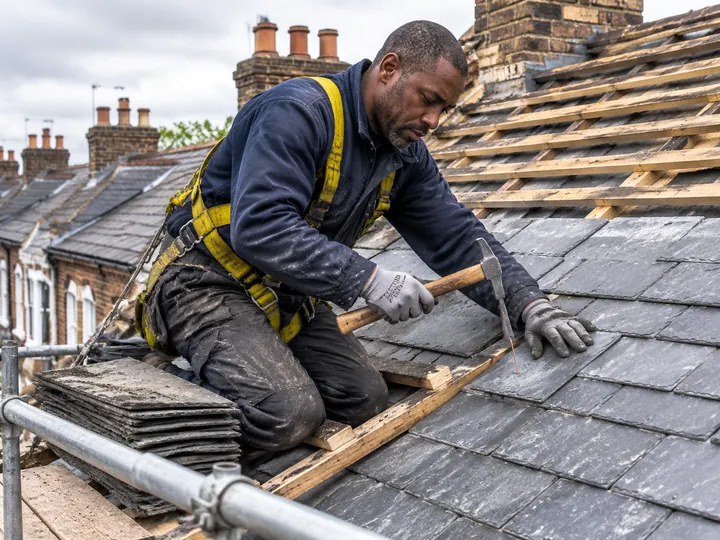
Work at height permits and RAMS are attached to the job and signed on the phone. Harnesses and lanyards are PPE items in your store, and each one has its own inspection.
- Permits to work and RAMS
- PPE and workwear inspected one by one
- Equipment given and returned
Certificates and forms for roofers and outside trades
Attach what each job needs in the roofing software. Your team fills it in on the phone, with photos and signatures.
For roofing, windows and outside work
- Roof survey reports
- Work at height permits
- Hot works permits for torch-on roofs
- Anchor test certificates
- Window and door fitting checklists
- Workmanship guarantees
- Before and after photo reports
- MEWP pre-use checks
Forms every business gets
- Job sheets with before and after photos and two signatures
- Risk assessments and RAMS
- COSHH assessments
- Permits to work
- Snag lists
- Waste transfer notes
- Completion sign-off
- Variation orders
For the official guidance, see safe roof work (opens in a new tab) on the HSE website.
A day in roofing and outside work
A wet Thursday in Cardiff with roofing software, from the morning job list to the invoice the week after.
-
107:45
Everyone sees their day
Each roofer opens the roofing software on the phone and sees today’s jobs, with the address, notes and directions.
-
212:30
Windows fitted and signed off
The window fitters finish in Penarth. The customer signs the completion sign-off on the phone, next to the before and after photos.
-
314:15
Semi-finished, with a reminder
Heavy rain stops a flat roof halfway. Rhys taps Semi-finished with a note, and JobHandler reminds the office until the job is done.
-
4Next week
Paid, then a review
The invoice goes from the finished job in the roofing software. Once it’s paid, the customer gets a feedback request with a link to your own review page.
Everything a roofing business needs
Roofing software at one price per person, with no job limits.
Quotes and money
- Quotes with options
- Deposits before you start
- Stage invoices for bigger roofs
- Card and bank transfer payments
Your customers
- Booking confirmations and reminders
- Branded emails with your logo and company name
- Feedback requests with your own review link
- Customer Portal for quotes, invoices and history
Office and scheduling
- Colour board by day or week
- Drag jobs to another day
- No double bookings
- Skills checks before every booking
On site
- Photos marked up and stamped with date and time
- Permits to work and RAMS
- Semi-finished jobs followed up with reminders until done
- Job sheets with two signatures
Add-ons
Pay for these only if you use them.
Text pack Add-on
Booking confirmations and reminders by text, sent in your business’s name.
Live tracking Add-on
Your customer gets a “Track my engineer” link that shows where the engineer is.
Questions about roofing software
Short answers for roofers and for gutter, cladding, window and door businesses choosing roofing software.
Can I mark up roof photos?
Yes. Draw arrows and circles on a photo and add a note. Every photo is stamped with your business name, date and time.
What happens to bookings when it rains?
Drag the jobs to another day on the board. JobHandler stops double bookings, and the customer gets an update with the new date.
Does it ask customers for reviews?
Yes. After the job, JobHandler sends a feedback request with a link to your own review page.
How much does JobHandler cost?
One price per person, with no job limits. Live tracking and texts are add-ons you only pay for if you use them. Prices are inc VAT. They go on this website before JobHandler opens, so join the waiting list and we’ll email you when they’re up.
Is there a contract?
No contract. Pay monthly or yearly.
Do I need a card for the 14-day trial?
No. Try JobHandler on your own jobs for the 14-day trial without giving a card.
Does the app work with no signal?
Yes. With this roofing software, your team sees their upcoming jobs and fills in forms with no signal, up on a roof or in a loft. Everything they record goes to the office when the signal comes back, with the real time of every tap.
What happens to our data if we leave?
The account holder can cancel in Settings at any time. Before you go, they can ask for a copy of your data, and we email them a download link that works for 7 days. Your business is responsible for keeping any certificates and invoices the law asks you to keep, so take your copy first.